
Last updated: 8 October 2026 · Facts checked against Google's Search Status Dashboard
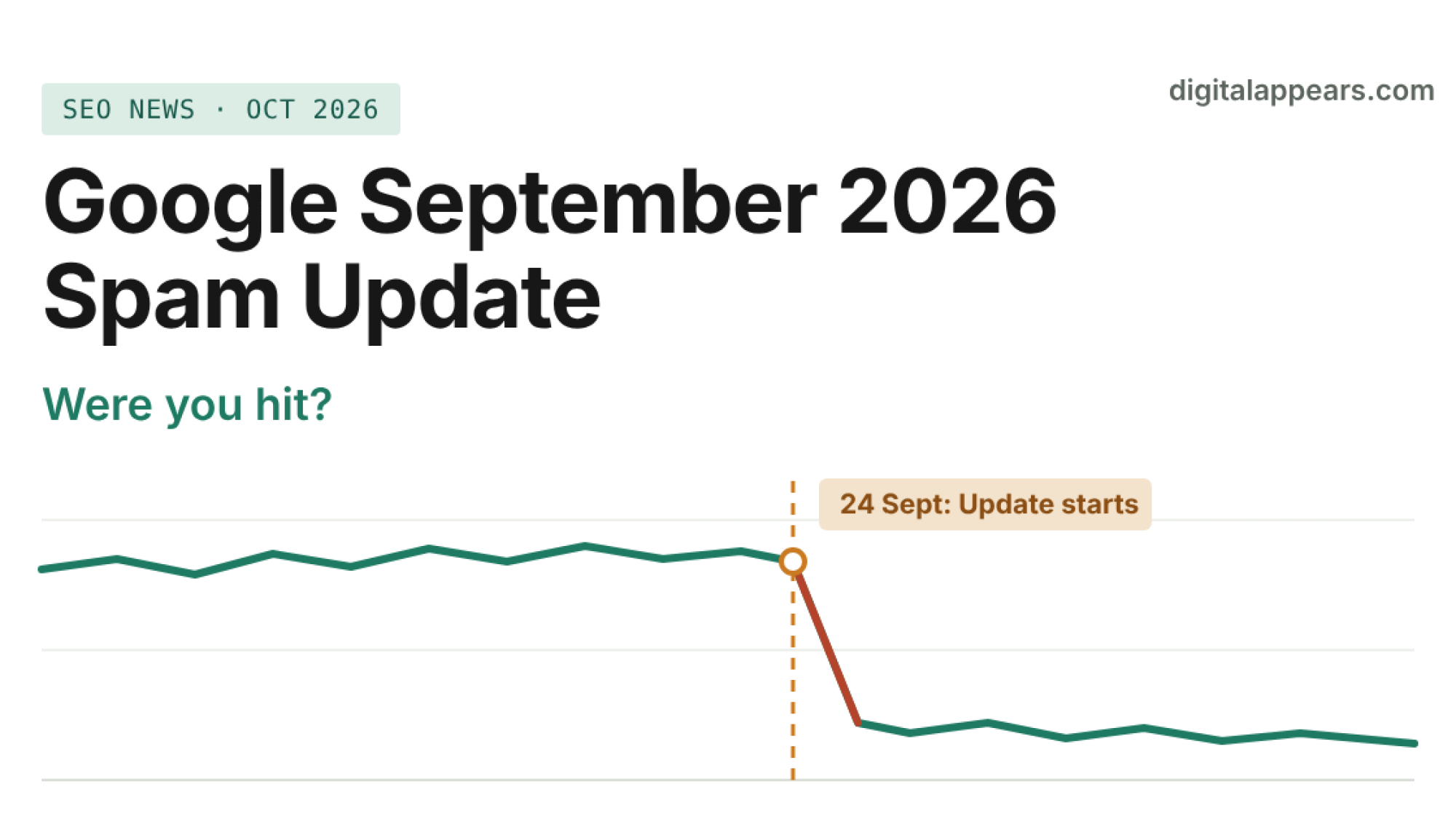
- Google began the September 2026 spam update on 24 September. It applies globally, to all languages, and Google said the rollout could take up to two weeks.
- Google has not said what it targets. It called it "a normal spam update" and pointed to its existing spam policies.
- A new AI spam detection system called SAFE was published recently, but Google has not confirmed it is part of this update.
- To check whether you were hit, compare Search Console data by page group, not just sitewide, and rule out the usual non-spam causes first.
- If you were hit, expect slow recovery. Google says automated systems need to re-learn over several months that your site complies.
Quick facts about the update
| Start date | 24 September 2026, per Google's Search Status Dashboard |
| Scope | Global, all languages |
| Google's stated duration | "May take up to two weeks to complete" |
| Status when this was written | The dashboard listed a duration of about 13 days 16 hours, which puts the end of the window around 8 October. Check the dashboard for the final status before you analyze. |
| Position in 2026 | Fourth confirmed spam update, after March, June and August |
| Stated target | None. Google did not name a specific tactic or policy. |
One detail worth noticing: the earlier 2026 spam updates were short. March took under a day, June about two days, August a little under three. This one was announced with a longer window, and Google's John Mueller told Search Engine Roundtable it is "likely to take longer than some of the previous ones." A longer rollout could mean a broader change, but Google hasn't said so, so treat that as a reasonable guess, not a fact.
What Google has and hasn't said
I'll keep this simple, because a lot of early commentary mixes up confirmed facts and guesses.
Confirmed
- The update is global and covers all languages.
- Google described it as a normal spam update.
- Sites that break Google's spam policies can rank lower or disappear from results.
- Sites can recover over time if Google's automated systems learn, over several months, that the site follows the policies.
Not confirmed
- Which spam policy, or which kind of site, this update focuses on.
- What share of queries it affects.
- Whether it connects to any specific new detection system.
Anyone who tells you exactly which sites were targeted this early is guessing. Industry trackers did show volatility rising after the announcement, but volatility alone doesn't tell you what changed.
Where SAFE fits (and where it doesn't, yet)
You may have seen headlines saying Google deployed an AI spam detector called SAFE (Scaled Abuse Forensics Examiner). It comes from a short Google research paper about automating forensic investigation of AI-generated "slop." According to coverage of the paper, SAFE looks for coordinated, inorganic behavior, abuse networks and synthetic content, with a strong emphasis on video and channel abuse.
Be careful here. Google hasn't said SAFE is part of the September spam update, and it isn't clear that SAFE applies to web search results at all. Some SEO writers suspect a link, but that's an inference, not a statement from Google. I wouldn't change your strategy because of SAFE alone.
The practical takeaway is smaller than the headlines: Google is investing in systems that find patterns across many pages and many sites, not just single bad pages. If your site is one of dozens that share the same template, content source or link pattern, that's the kind of pattern worth worrying about.
The spam policies worth auditing against
Since Google didn't name a target, the sensible move is to check yourself against the written policies. Google's spam policies page lists 16 named practices. These are the ones I would look at first for most business sites:
| Policy | Google's definition, simplified | What to check on your site |
|---|---|---|
| Scaled content abuse | Mass-producing low-value pages, whether by AI, scraping or stitching, mainly to rank | Hundreds of near-identical pages, thin templated pages, AI posts with no original input |
| Site reputation abuse | Hosting third-party content mainly to borrow your site's ranking strength | Sponsored or "partner" sections unrelated to your main purpose |
| Expired domain abuse | Buying an expired domain and filling it with low-value content to rank | Any domain you acquired and repurposed |
| Link spam | Creating or buying links mainly to manipulate rankings, including paid links without nofollow or sponsored | Purchased links, link exchanges, networks, comment and forum drops |
| Thin affiliation | Affiliate pages with copied descriptions and no added value | Review and comparison pages that only repeat merchant text |
| Doorway abuse | Many similar pages that funnel users to a less useful destination | City or keyword pages that differ only by a name |
| Cloaking and sneaky redirects | Showing search engines something different from users | Test with a URL inspection and a normal browser visit |
| Hacked content and user-generated spam | Injected content, or spam posted through your open channels | Unknown pages in your index, spam in comments, forums or profiles |
How to check if you were hit
The goal is to separate a spam-update effect from the many other reasons traffic moves. Work through these in order.
- Wait for the rollout to finish. Check the Google Search Status Dashboard. Analyzing a half-finished rollout gives you half-finished answers. Rankings can also move up and down during it.
- Check manual actions first. In Search Console, open the Manual actions report and Security issues. A manual action shows up as an explicit message and has its own reconsideration process. If there is nothing there, you are looking at automated systems, which is the usual case for a spam update. Google's Manual Actions report help explains the difference.
- Compare equal time windows. In Search Console's Performance report, compare the 14 days from 24 September against the 14 days before it. Then compare the same period against last year, or the same weekdays, to allow for seasonality. Use a stable date range, not a single day.
- Look for a step change, not a slope. A spam-related hit often shows as a drop that begins in the rollout window and stays down. A gradual decline that started in July is a different story.
- Segment, don't look sitewide. Break clicks and impressions down by page group (blog, product, location pages, programmatic pages, a specific directory). Spam-related drops often land on one section of a site. A sitewide dip of 5% can hide a 60% drop on one folder.
- Segment by query type. Compare branded and non-branded queries. If branded queries held steady and non-branded fell, your site is still trusted but certain pages lost ground.
- Rule out your own changes. Did you deploy a redesign, migrate, change robots.txt, add noindex, change canonicals or break internal links in September? Check the Page indexing report for sudden indexing drops. A technical fault looks like a spam hit but needs a different fix.
- Rule out other updates and reporting noise. Google's May 2026 core update has finished, but a new core update could land at any time. Confirm your analytics tracking didn't change either, and verify with Search Console rather than GA4 alone.
Symptom to likely cause
| What you see | Likely explanation | First action |
|---|---|---|
| Sharp drop on one folder or template starting 24-25 Sept | Page-group quality or scaled content issue | Audit that group for thin, duplicated or low-value pages |
| Sitewide drop, non-branded queries only | Possible link pattern or sitewide trust issue | Review backlinks and any paid or exchanged links |
| Pages dropped out of the index entirely | Possibly a technical fault, or heavy demotion | Check Page indexing report and URL Inspection |
| Gradual decline since summer | Probably not this update | Look at content freshness, competitors and the earlier updates |
| Traffic up after 24 Sept | Competitors above you may have been demoted | Don't assume you caused it. Keep doing what works. |
| Manual action message in Search Console | Not an update effect | Fix the issue, then file a reconsideration request |
What to do next (and what not to do)
If your data shows a real hit
- Find the pattern before you change anything. Make a list of the pages that lost traffic and ask what they have in common: template, author, source of the text, link profile.
- Improve or remove low-value pages. For scaled or thin content, the honest options are to make each page genuinely useful with original information, merge pages that overlap, or remove pages that don't deserve to exist. Cosmetic rewrites of the same text rarely help.
- Clean up links you control. Remove paid links or add the correct nofollow or sponsored attributes. Don't mass-disavow without a reason, because the disavow tool is a blunt instrument.
- Document what you changed and when. You'll want that record when the next update arrives.
What not to do
- Don't make big changes mid-rollout. Rankings can still be moving, and you can't tell the effect of your change from the effect of the update.
- Don't blame AI content as a category. Google's policy targets low-value pages made mainly to manipulate rankings. How a page was produced isn't the test, and useful content with real expertise isn't what the policy describes.
- Don't expect a quick bounce. Google's own guidance says recovery can take months as its systems re-evaluate the site. Fixes you make now may only show results in a later update or a gradual re-assessment.
Never trust a recovery guarantee. No one outside Google can promise a recovery date after a spam update. Be careful with anyone who does.
If you want a second opinion on the data, our SEO services include a technical and content audit that separates update effects from site problems. For background reading on structuring content so it earns trust in the first place, see our guides on topical authority and zero-click answers vs deep content.
FAQ
When did the September 2026 spam update start?
Google began rolling it out on 24 September 2026, according to its Search Status Dashboard. It applies globally and to all languages, and Google said it could take up to two weeks to complete.
What does the September 2026 spam update target?
Google hasn't said. It called it a normal spam update and pointed to its existing spam policies, which cover practices such as scaled content abuse, link spam, site reputation abuse and cloaking. Claims about a specific target are guesses until Google confirms one.
How do I know if my site was affected?
Wait for the rollout to finish, then check Search Console for manual actions and compare equal time windows before and after 24 September. Break results down by page group and query type, and rule out technical changes, seasonality and tracking issues before you decide it was a spam update.
Is this update related to Google's SAFE system?
Not confirmed. SAFE is an AI system described in a Google research paper that looks for coordinated abuse and synthetic content, mostly discussed in relation to video. Some SEO writers suspect a connection, but Google has not said SAFE is part of this update or that it applies to web search.
How long does recovery take after a spam update?
Google says sites can recover if its automated systems learn over several months that the site complies with its spam policies. There is no fixed timeline, and recovery may only show up gradually or in a later update.
Is a spam update the same as a manual action?
No. A spam update is an algorithmic change applied automatically, and you receive no message. A manual action is applied by a human reviewer, appears in Search Console's Manual actions report, and can be fixed through a reconsideration request.
Not sure if your traffic drop is a spam update?
Send us your Search Console data and we'll tell you whether it points to this update, a technical fault or something else.
Get a Traffic Drop ReviewSources
- Google Search Status Dashboard (update dates and durations)
- Google Search Central: Spam policies
- Search Engine Journal: Google Rolls Out September 2026 Spam Update Globally
- Search Engine Roundtable: Google September 2026 Spam Update Is Rolling Out
- ALM Corp: How Google's SAFE System Hunts Down AI Spam Networks